Blogging, SEO, and Website Tips Made Simple
Mamang Digital turns the technical side of running a website into clear, beginner-friendly guides. Learn how to start a blog, rank higher on Google, speed up your site with tools like Cloudflare, and earn from your traffic. Written in plain language, with each step explained in order.
Start Here
Where are you right now?
Each stage needs different guides. Pick the one that matches your situation.
Stage one
I have not started yet
You want a blog but you are stuck choosing a platform, a topic, or a name.
Stage two
My site is live, nobody visits
The site exists, you have published, and Google seems to be ignoring you.
Stage three
I have traffic, I want to earn
Visitors are arriving and you want to turn that into income without wrecking the reading experience.
Beginner friendly
Build your blog
without the tech overwhelm
Most tutorials bury one simple answer under a wall of jargon. Mamang Digital does the opposite. Every guide is written so you can follow it from start to finish, even if this is the very first website you have ever built. Clear language, screenshots where they help, and steps that lead somewhere.
Step-by-step blogging and WordPress tutorials
SEO explained without the confusing buzzwords
Written by an Informatics Engineering lecturer
Explore SEO GuidesBrowse by topic
Four areas, covering everything from your first post to your first payout.
Blogging
Start and run a blog on Blogger or WordPress the right way, from your first setup to a clean, fast theme, explained step by step in plain language.
Read moreSEO
Get found on Google with simple, up to date SEO. Learn keyword basics, clean on page setup, and how to add your new site to Search Console quickly.
Read moreSpeed & Security
Make your site fast and safe with tools like Cloudflare, a solid CDN, and smart hosting choices that protect both your visitors and your search rankings every day.
Read moreMonetization
Turn your everyday website traffic into a steady income through AdSense and other honest methods, set up the right way from your very first day online.
Read morePopular guides
One guide from each stage of building and running a site.
Blogging
How to Start a Blog in 2026
Platform choice, domain, hosting, and the first five posts, in order.
SEO
Add Your Site to Search Console
Verification, sitemap submission, and reading the first reports.
WordPress
30 Best WordPress Themes for 2026
Features, performance notes, pricing, and best use for thirty themes.
Speed & Security
Why Is My WordPress Site So Slow?
Diagnosing hosting, images, plugins, and theme weight in that order.
Monetization
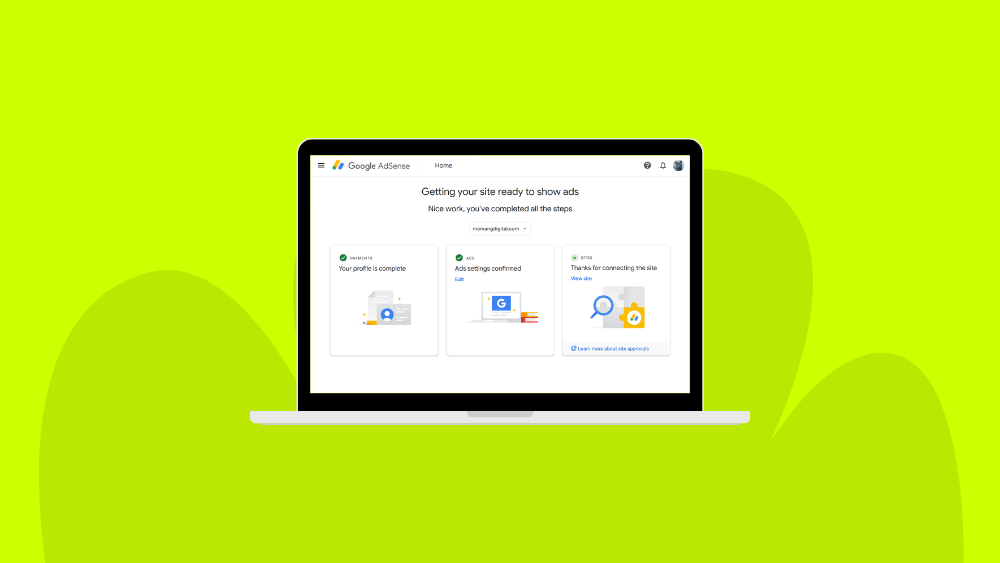
How to Register for Google AdSense
Requirements, the application process, and the common rejection reasons.
SEO
Website Not Showing Up on Google?
Indexing checks, robots.txt, canonical tags, and Search Console errors.
Who writes this
Written by Isna Rimayana
Isna Rimayana lectures in Informatics Engineering and runs Mamang Digital. Every guide here is written and maintained by one person, and the site itself was built from a standard WordPress install using the same steps the guides describe.
Corrections and questions are welcome. About this site · Contact
Frequently asked questions
Do I need to know how to code to start a blog?
No. Both WordPress and Blogger can be set up and managed without writing code. Some tasks involve pasting a provided snippet, which the guides explain step by step.
Should I use WordPress or Blogger?
Blogger is free and hosted by Google, with limited design and no plugins. WordPress requires paid hosting but offers full control and an extensive plugin ecosystem. The full comparison covers cost, control, and portability.
How long before my site appears on Google?
Indexing usually takes days to a few weeks after you submit your sitemap through Search Console. Ranking for competitive terms is separate and typically takes several months of consistent publishing.
How much can a new blog realistically earn?
AdSense revenue scales with traffic, so early figures are small for most new sites. The guide on realistic AdSense earnings covers the numbers and the factors that affect them.
Do I need to pay for plugins and tools?
Free versions of the main SEO, backup, and security plugins cover what a new site needs, and Search Console and PageSpeed Insights are free. Paid tiers become worth considering once you hit a specific limitation.
My site is slow. Is it the theme?
Hosting, image sizes, and plugin count affect load time more than the theme in most cases. The guide on diagnosing a slow site works through the causes in order.
Where should I start if I have never built a site?
Begin at Start Here, which lays the guides out in build order rather than by topic.